What is Web Application Manifest?

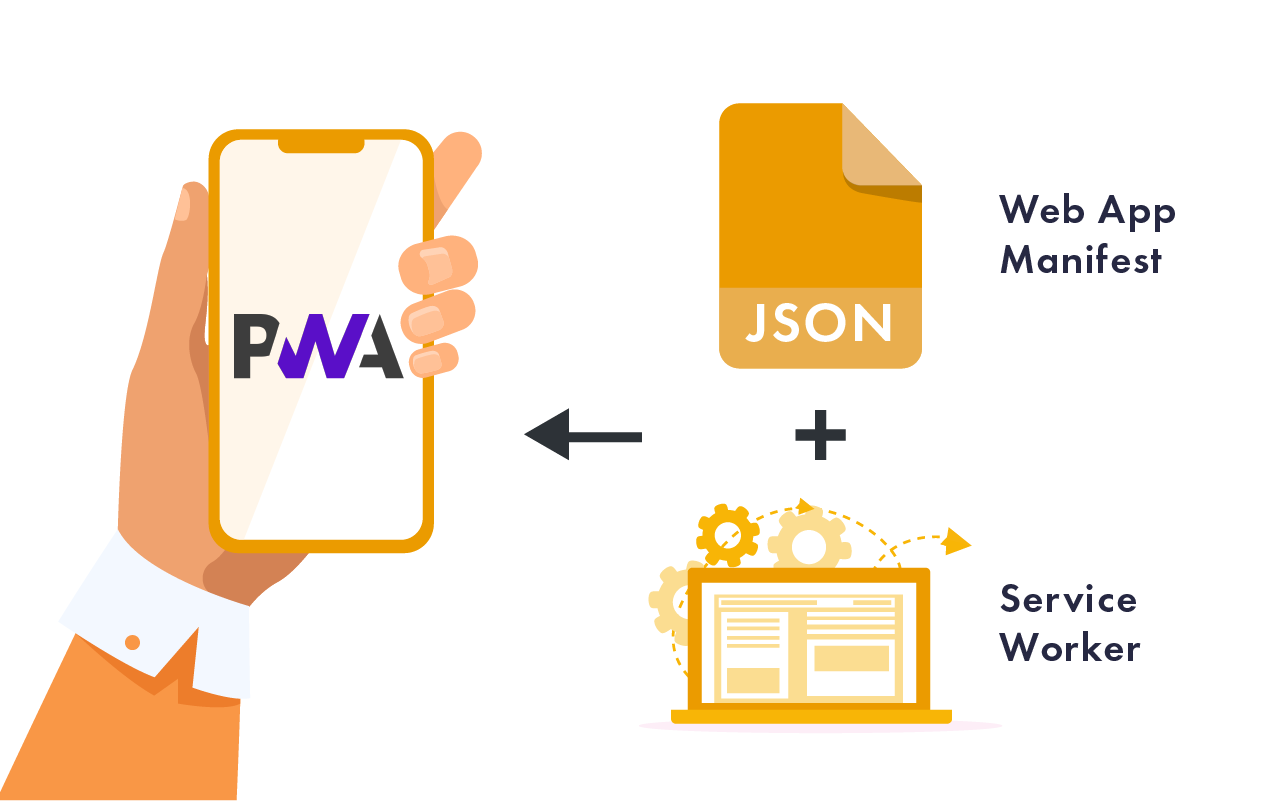
A web application manifest is a special type of file that helps web applications behave more like native apps on your phone, tablet, or computer. In simple terms, it’s a file that tells the browser important details about a web app, such as its name, icon, and how it should appear when a user opens it. This file is written in JSON format, which is a simple way to organize data that both humans and computers can read easily.
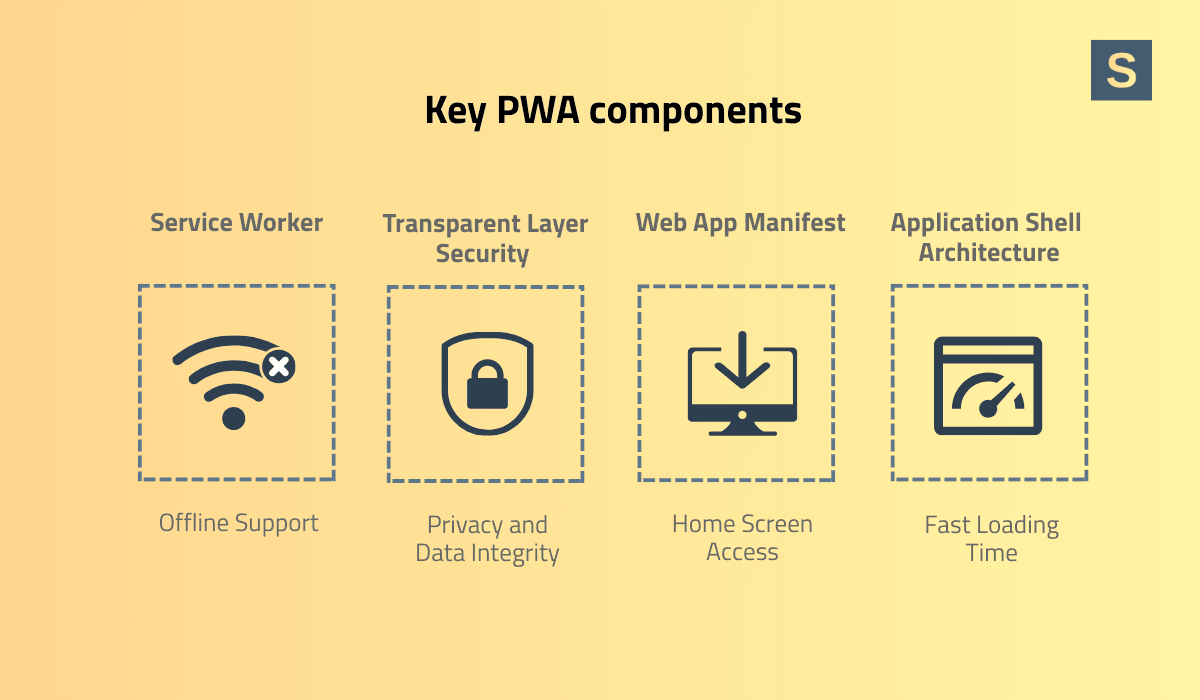
The main purpose of a web application manifest is to support Progressive Web Apps (PWAs). PWAs are web applications that can be installed on your device, work offline, and feel very similar to apps you download from the App Store or Google Play.
By using a manifest, developers can provide the browser with the information it needs to install the app on a device, making the experience smoother for users.
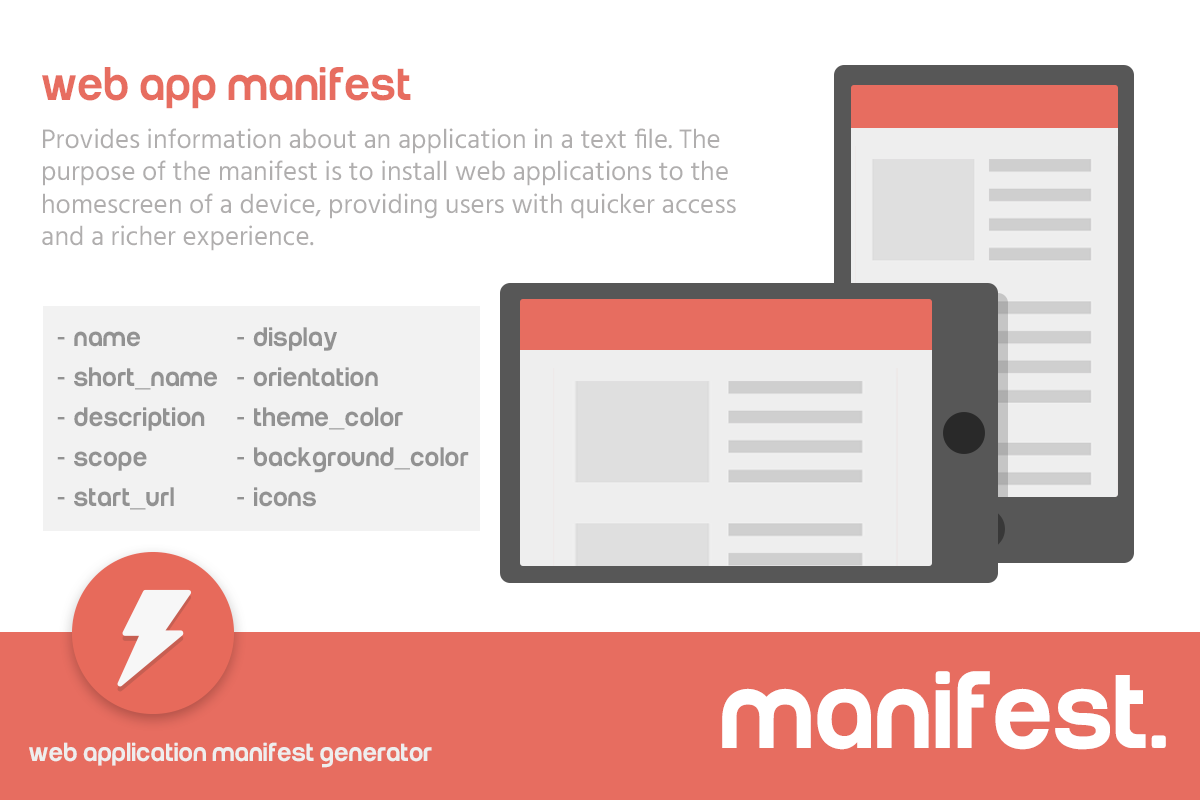
A manifest contains a single JSON object, and inside it, there are different properties, often called members. These members define various details about the app. For example, the manifest usually includes the name of the app, which is displayed to users when they install it.
It also includes icons in different sizes so the app looks good on any device or screen resolution. The manifest can also specify a start URL, which tells the browser which page to open first when the app is launched.
Here’s a simple example of a manifest JSON file:
{
  "name": "My Sample App",
  "short_name": "SampleApp",
  "start_url": "/index.html",
  "display": "standalone",
  "background_color": "#ffffff",
  "theme_color": "#007bff",
  "icons": [
    {
      "src": "icons/icon-192.png",
      "sizes": "192x192",
      "type": "image/png"
    },
    {
      "src": "icons/icon-512.png",
      "sizes": "512x512",
      "type": "image/png"
    }
  ]
}
In this example:
- name is the full name of the app.
- short_name is a shorter version shown on the home screen.
- start_url is the page that opens when the app launches.
- display controls how the app appears (here, “standalone” removes browser UI).
- background_color and theme_color set the look of the splash screen and browser theme.
- icons provide images for different screen sizes.
One important feature of the manifest is that it allows developers to set the display mode for the app. For instance, a web app can open in fullscreen, hide the browser’s address bar, or behave like a normal browser tab.
Developers can also define the screen orientation, such as portrait or landscape, depending on how the app is designed to be used. These settings help create a user experience that feels more like a native app and less like a traditional website.
Another key aspect of a web application manifest is scoping. Scoping means limiting which URLs the manifest applies to. This is important because it helps the app know which parts of the website it should control and where it can “deep link” users.
Deep linking allows users to open specific sections of a web app directly from other websites or applications, improving navigation and overall user experience.
Here’s another simple example showing orientation and scope:
{
  "name": "PhotoGallery App",
  "start_url": "/home",
  "display": "fullscreen",
  "orientation": "landscape",
  "scope": "/gallery/"
}- orientation forces the app to open in landscape mode.
- scope restricts the manifest to URLs under /gallery/.
Using the information in a manifest, browsers and devices—known as user agents—can enhance how users interact with web apps. They can display icons on the home screen, launch the app in a preferred display mode, and even allow offline functionality if the app is designed to work without an internet connection.
In summary, a web application manifest is a simple JSON file with powerful effects. It provides the browser with all the metadata it needs to install and display a web app in a way that feels like a native application.
By including a manifest, developers can improve user experience, make web apps more accessible, and create a seamless connection between the web and the device.