What is Trello and How It Works?
Using Trello is simple. You only need an email address and an internet connection. Trello works on computers, tablets, and smartphones, and its mobile app is free to download. Here’s a basic guide:

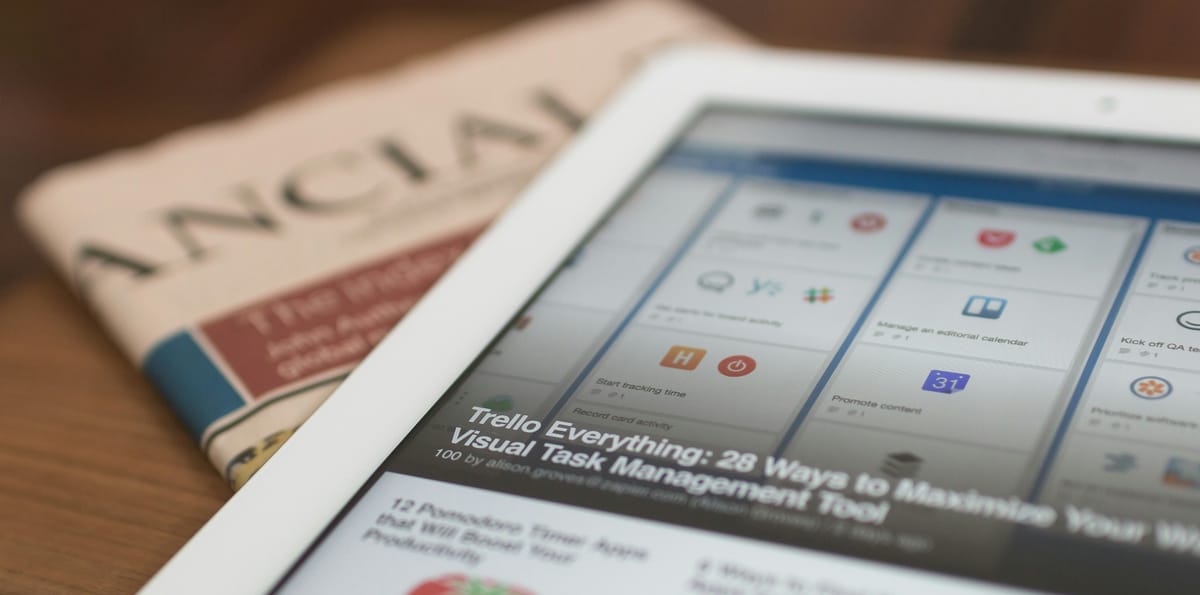
In today’s digital world, staying organized is more important than ever. Whether you’re a student, business owner, freelancer, or managing a household, having a clear system to manage tasks can save time and reduce stress. One of the easiest and most visual tools for managing tasks and projects is Trello. This guide explains what Trello is, how it works, and how you can start using it immediately—even if you’re not tech-savvy.
What is Trello?
Trello is a free, simple tool designed to help you organize tasks and projects. It functions like a digital whiteboard, allowing you to create boards, lists, and cards to manage your work. Trello is based on the Kanban system, which displays tasks in stages such as To Do, In Progress, and Done.
Millions of people worldwide use Trello for personal and professional projects. Its visual layout makes it especially beginner-friendly. You can create boards for school assignments, team projects, personal goals, event planning, and much more.
For example, a student might create a board for each subject, with lists for weekly assignments. Cards could include tasks like “Write essay,” “Prepare for test,” or “Read Chapter 5.” You can even set deadlines and reminders to ensure nothing is missed.
How Does Trello Work?
Using Trello is simple. You only need an email address and an internet connection. Trello works on computers, tablets, and smartphones, and its mobile app is free to download. Here’s a basic guide:
- Create an Account: Visit www.trello.com and sign up with your email or Google account.
- Make a Board: A board is like a project folder. Name it according to your purpose, e.g., “Daily Tasks” or “School Project.”
- Add Lists: Lists help organize tasks by category or stage, e.g., To Do, In Progress, Done.
- Add Cards: Each task goes on a card, e.g., “Finish homework” or “Send email.” Move cards between lists to track progress.
- Add Details: Cards can include descriptions, due dates, checklists, attachments, labels, and assignments to team members.
Dragging and dropping cards to reflect progress is intuitive. When a task begins, move it to In Progress, and when completed, drag it to Done.
Why is Trello Useful?
Trello provides a clear, visual way to plan and track your work. You don’t need to rely on memory or scattered notes. Key benefits include:
- Easy to use: Beginner-friendly, no tech expertise required.
- Free to start: The basic plan includes most essential features.
- Visual and organized: Track tasks and progress at a glance.
- Team collaboration: Invite others, assign tasks, and collaborate efficiently.
- Accessible anywhere: Works on desktop or mobile devices.
- Reminders: Get notified before tasks are due.
Trello helps manage both simple daily tasks and complex group projects, keeping you focused without feeling overwhelmed.
Who Can Use Trello?
Trello is versatile and suitable for anyone:
- Students: Track classes, assignments, and study schedules.
- Teachers: Organize lesson plans and share materials.
- Families: Manage chores, groceries, and events.
- Freelancers: Track client projects, deadlines, and invoices.
- Small teams: Plan tasks, assign members, and monitor progress.
- Event planners: Organize guests, schedules, and to-do lists.
You can also use Trello Templates—pre-designed boards for daily routines, content planning, project management, or fitness goals.
Conclusion: Try Trello Today!
Think of Trello as your digital assistant. It helps you plan your day, manage projects, and keep everything organized. Free, visual, and simple, Trello is perfect for anyone aiming to be more productive without stress.
Start with a few lists and cards, gradually add more, and use it daily. Soon, Trello will become an essential part of your workflow, helping you stay organized and focused.