SSL Handshake Failed: Causes, Fixes, and Prevention Guide

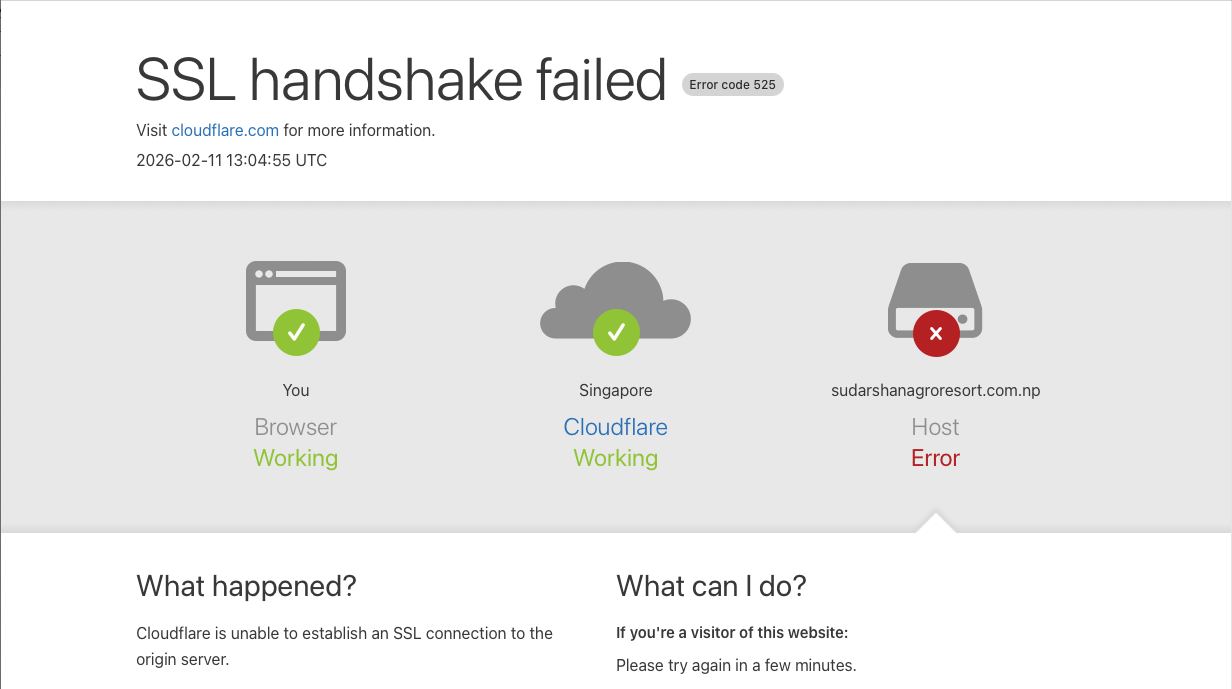
In today’s digital world, website security is no longer optional. Whether you are running an eCommerce store, a corporate website, or a government portal, SSL (Secure Sockets Layer) encryption is essential. However, one common and frustrating error website owners and users encounter is the “SSL Handshake Failed” message. This error can disrupt user access, damage trust, and impact SEO rankings. Understanding what it means and how to fix it is crucial for maintaining a secure and accessible website.
What Is an SSL Handshake?
Before diving into the error, it is important to understand what an SSL handshake is. The SSL handshake is the process that establishes a secure connection between a user’s browser and a web server. When someone visits a website with HTTPS, the browser and server exchange information to verify identity and create encrypted communication.
During this process:
- The browser requests a secure connection.
- The server sends its SSL certificate.
- The browser verifies the certificate’s validity.
- Encryption keys are exchanged.
- A secure session is established.
If any step in this process fails, the connection cannot be secured, and the user may see an “SSL Handshake Failed” error.
Common Causes of SSL Handshake Failure
There are several reasons why this error may occur. Identifying the root cause is the first step toward resolving it.
1. Expired or Invalid SSL Certificate
One of the most common causes is an expired SSL certificate. SSL certificates must be renewed periodically. If the certificate has expired or is improperly installed, browsers will reject the connection.
2. Mismatched Domain Name
If the SSL certificate does not match the domain name being accessed (for example, accessing www.example.com when the certificate is issued for example.com), the handshake may fail.
3. Incorrect Server Configuration
Improper server settings, missing intermediate certificates, or incomplete certificate chains can cause SSL validation errors.
4. Outdated Browser or Protocols
Older browsers may not support modern TLS (Transport Layer Security) versions. Similarly, if a server only supports outdated SSL protocols, modern browsers may block the connection.
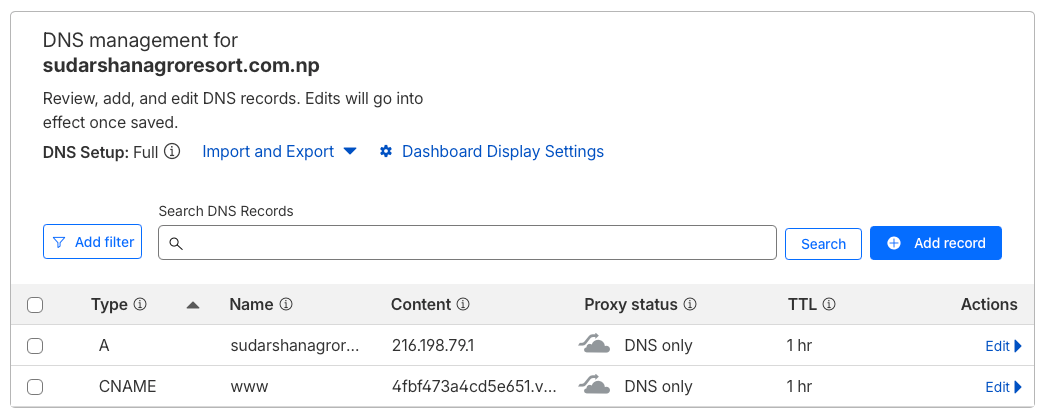
5. Firewall or CDN Issues
Content Delivery Networks (CDNs) like Cloudflare or strict firewall settings can sometimes interfere with SSL connections. Misconfigured SSL modes (such as Flexible vs. Full SSL) can also trigger handshake failures.
6. Cipher Suite Mismatch
The browser and server must agree on encryption methods (cipher suites). If there is no compatible cipher suite, the handshake cannot be completed.
How to Fix SSL Handshake Failed Error
The solution depends on the cause. Here are practical steps to resolve the issue:
1. Check SSL Certificate Validity
Use tools like SSL Labs’ SSL Test to check certificate status. Ensure it is not expired and properly issued for your domain.
2. Reinstall or Renew the SSL Certificate
If expired, renew the certificate through your hosting provider or SSL vendor. If improperly installed, reinstall it and ensure intermediate certificates are included.
3. Verify Domain Configuration
Ensure your SSL certificate covers all variations of your domain, including:
- example.com
- www.example.com
You may need a wildcard certificate or SAN (Subject Alternative Name) certificate for multiple subdomains.
4. Update Server TLS Settings
Configure your server to support modern TLS versions (TLS 1.2 or TLS 1.3). Disable outdated protocols like SSL 3.0 or TLS 1.0, which are no longer considered secure.
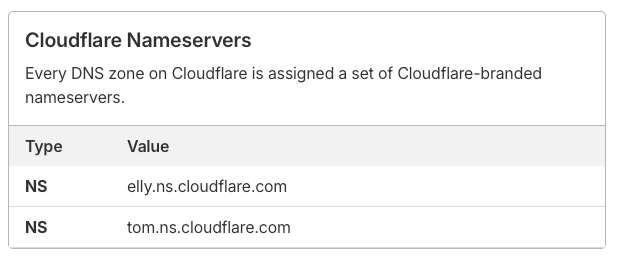
5. Check CDN or Proxy Settings
If using Cloudflare or another CDN, ensure SSL mode is correctly configured. For example, “Full (Strict)” mode requires a valid SSL certificate on your origin server.
6. Review Firewall and Security Plugins
Sometimes, aggressive security settings block legitimate SSL traffic. Temporarily disabling the firewall for testing can help identify the issue.
Impact on SEO and User Trust
An SSL handshake failure can have serious consequences. Search engines like Google prioritize HTTPS websites. If users cannot access your site due to SSL errors, your bounce rate may increase, affecting rankings.
Additionally, users seeing security warnings may lose trust in your brand. For businesses offering digital services, financial transactions, or government-related platforms, this can significantly harm credibility.
Preventing SSL Handshake Errors
Prevention is always better than troubleshooting during a crisis. Here are best practices:
- Set up automatic SSL renewal.
- Monitor certificate expiry dates.
- Regularly test SSL configuration using online tools.
- Keep your server software updated.
- Use reputable hosting providers.
- Maintain proper DNS and CDN configurations.
For organizations managing multiple digital projects—such as IT firms, digital transformation companies, or government mapping systems—centralized SSL monitoring is especially important. A single expired certificate can disrupt multiple services.
Final Thoughts
The “SSL Handshake Failed” error may seem technical and intimidating, but it usually stems from misconfiguration, expired certificates, or compatibility issues. By understanding how the SSL handshake works and implementing proper monitoring and maintenance strategies, website owners can ensure secure and uninterrupted access for users.
In a digital era where security is directly linked to reputation and performance, maintaining a healthy SSL configuration is not just a technical requirement—it is a business necessity.