Windows shortcuts for .cpl commands

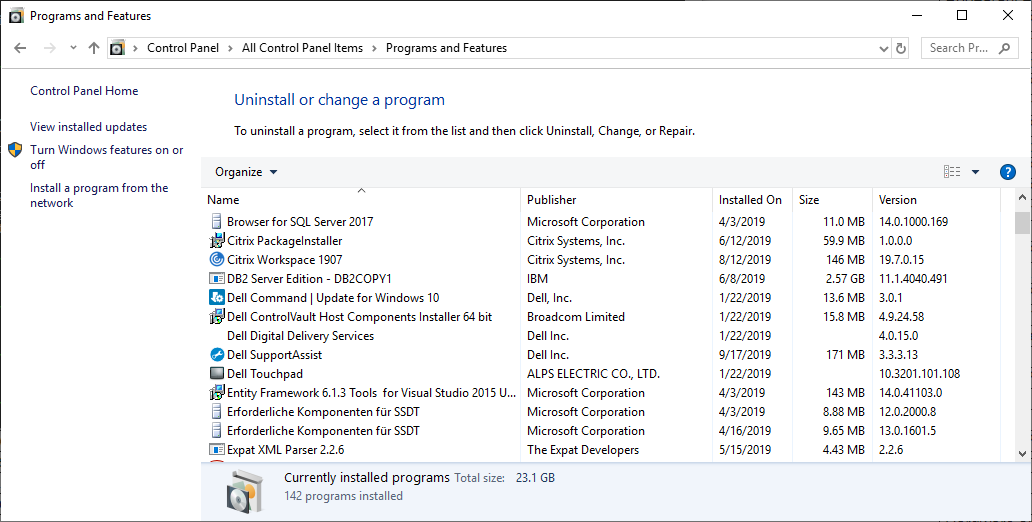
Windows shortcuts for .cpl commands provide a fast way to access important system settings without navigating through the Control Panel. By using the Run dialog (Win + R), users can quickly open tools like appwiz.cpl for Programs and Features, ncpa.cpl for Network Connections, and sysdm.cpl for System Properties. These commands are especially useful for IT professionals, developers, and power users who need quick access to configuration panels. Memorizing a few key .cpl shortcuts can save time and streamline everyday tasks, making system management more efficient and convenient.
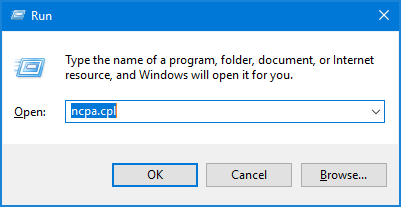
Here are common Windows .cpl commands (Control Panel applets) you can run using Win + R:
System & Settings
- appwiz.cpl — Programs and Features
Lets you uninstall, change, or repair installed programs and view installed updates. - sysdm.cpl — System Properties
Opens system info, advanced settings, environment variables, performance, and remote access options. - control — Control Panel
Opens the main Control Panel where you can access all system settings. - control printers — Devices and Printers
Shows connected printers and devices, allowing you to manage or troubleshoot them.
Hardware & Devices
- hdwwiz.cpl — Device Manager
Manage hardware devices, update drivers, enable/disable components, and troubleshoot issues. - mmsys.cpl — Sound settings
Configure playback/recording devices, adjust volume, and manage sound devices. - joy.cpl — Game Controllers
Set up and test connected controllers like joysticks or gamepads. - powercfg.cpl — Power Options
Adjust power plans, sleep settings, and battery usage preferences.
Network & Internet
- ncpa.cpl — Network Connections
View and manage network adapters (Wi-Fi, Ethernet), enable/disable connections. - inetcpl.cpl — Internet Properties
Configure browser settings, security, privacy, and proxy settings (used by Internet Explorer and system-wide settings).
User Accounts & Security
- netplwiz — User Accounts
Manage user accounts, passwords, and login requirements (like auto-login). - firewall.cpl — Windows Firewall
Configure firewall settings, allow apps through firewall, and manage security rules. - credwiz — Backup Credentials
Backup or restore saved usernames and passwords.
Display & Personalization
- desk.cpl — Display Settings (older versions)
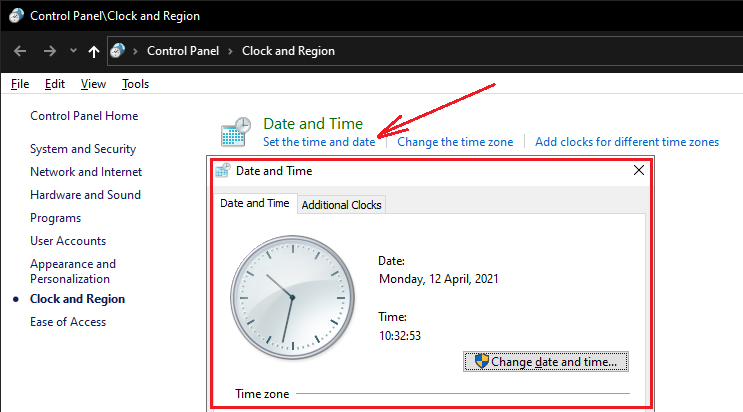
Opens display configuration (resolution, monitor setup) in older Windows versions. - timedate.cpl — Date and Time
Change system time, date, time zone, and sync settings.
Accessibility & Region
- intl.cpl — Region Settings
Configure language, date formats, currency, and regional preferences. - access.cpl — Accessibility Options
Adjust settings for ease of use, such as keyboard, mouse, and visual aids.
These shortcuts make system management faster by letting you jump directly to specific settings without browsing through menus.