Recover a hacked Facebook Page you manage
Facebook Page hacking and admin takeovers have become increasingly common, especially through phishing scams and compromised personal accounts. This guide explains exactly what to do if someone takes control of your Facebook Page and how to recover it safely.

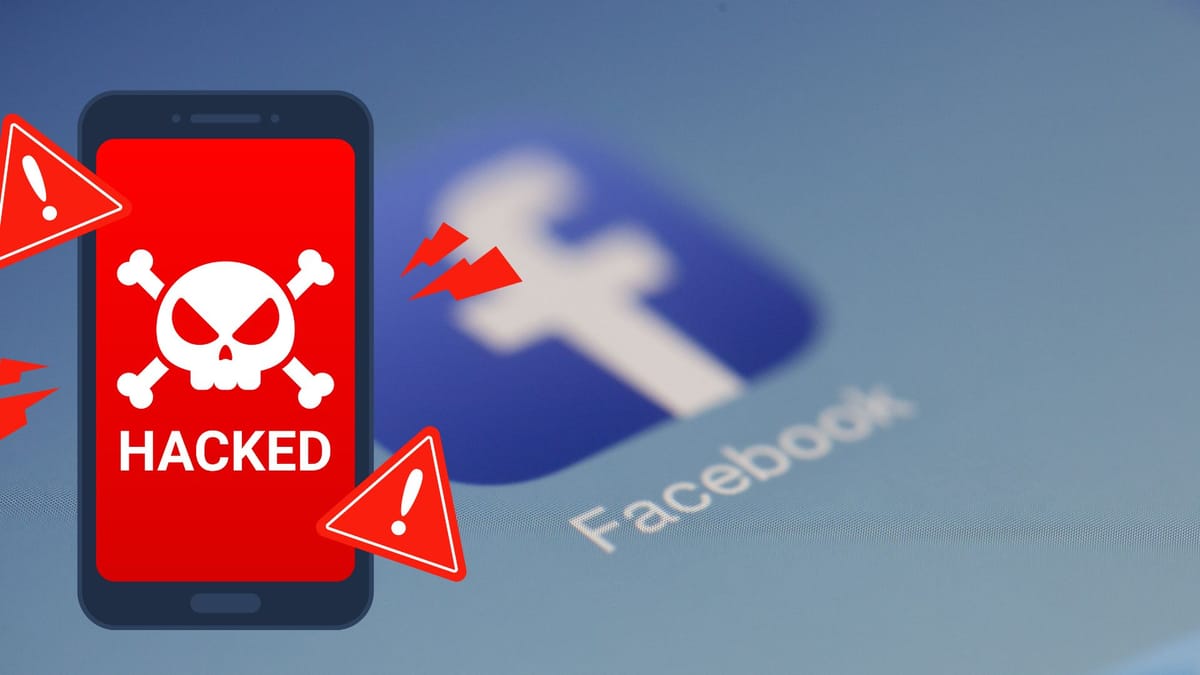
Managing a Facebook Page is critical for businesses, creators, and organizations. But what happens when you suddenly lose access to a Page you manage? If your Facebook Page was hacked, taken over through a scam, or removed from your control by another admin, you’re not alone.
Facebook Page hacking and admin takeovers have become increasingly common, especially through phishing scams and compromised personal accounts. This guide explains exactly what to do if someone takes control of your Facebook Page and how to recover it safely.
This article is specifically for Facebook Page admins who believe their Page access was removed due to hacking or scamming. It also applies if your personal Facebook account was compromised, including accounts with Professional Mode turned on, and that breach affected your Page or Business Manager access.
Facebook takes account and Page security very seriously. If you notice unusual activity on your Page, missing admin access, or changes you didn’t make, it’s a strong sign that either you or another admin was hacked or tricked. In many cases, hackers steal your password, log into your personal Facebook account, add themselves as a Page admin, and then remove your access. In other situations, scammers manipulate Page owners into giving control through fake copyright warnings, verification messages, or Business Manager requests in Meta Business Suite.

The fastest and most effective way to recover a hacked Facebook Page is by submitting Facebook’s official Page recovery form. This form allows Meta to review the situation, confirm whether the Page was compromised, and take action to restore access. Once submitted, Facebook typically responds by email within one business day, although some complex cases may take longer to review.
Even if you have Meta Verified, priority support, or access to other Facebook help channels, submitting the Page recovery form is still recommended. It is the most direct and reliable method to regain control of a compromised Page. However, Facebook can only act on your request if they are able to confirm that the Page was genuinely hacked or taken over through unauthorized means.
After you successfully regain access to your Facebook Page, it’s important to secure it immediately. If Facebook temporarily locked your personal account for security reasons, open Facebook and follow the on-screen prompts to unlock it. Carefully review your Page settings, admin list, and business portfolio to undo any changes you do not recognize. Remove suspicious admins, reconnect ad accounts if needed, and verify your business information.
You should also enable Advanced Protection features such as two-factor authentication, login alerts, and trusted devices. These steps significantly reduce the risk of future hacks. Staying alert to phishing attempts is equally important, as scammers often target Page owners with fake emails, messages, or verification requests designed to steal login credentials.
In some situations, you may not be able to submit the Page recovery form right away. This usually happens if you are not logged in or if Facebook does not detect a recent loss of Page access. If you don’t see the form, try logging into Facebook first using your usual device. If you cannot log in at all, visit www.facebook.com/hacked from a device you’ve previously used to access Facebook and follow the recovery steps provided there.
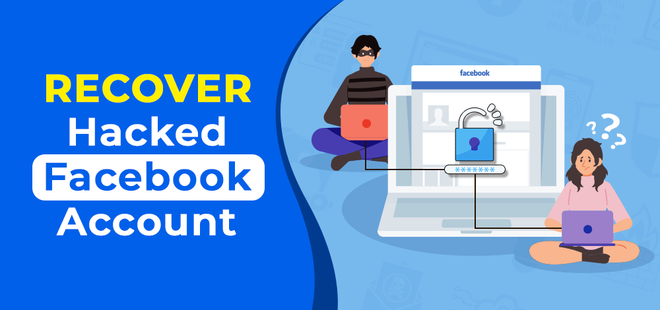
If the form does not allow you to select your Page, it usually means Facebook does not yet recognize that you’ve recently lost access. Try visiting your Page again or checking your Page roles to confirm the issue. If you are helping someone else recover their Page, they must log in using their own Facebook account and submit the form themselves. If they cannot log in, they should also use www.facebook.com/hacked on their regular device.
It’s important to note that not all Page access losses are due to hacking. You may lose access if you are not the authorized representative of the Page’s subject or content, or if the Page was reported and removed for violating Facebook Community Standards. In such cases, recovery options may be limited.
Losing control of a Facebook Page can be stressful, especially if it represents your business or brand. Acting quickly, using Facebook’s official recovery tools, and strengthening your account security are the best ways to protect your Page and prevent future takeovers. By following the steps outlined above, you greatly improve your chances of recovering a hacked Facebook Page and keeping it secure long-term.