How to Get Ready for a Virtual Interview
Your physical environment communicates volumes about your professionalism and attention to detail. Choose a quiet, private space where you won't be interrupted by family members, pets, or unexpected deliveries.


The virtual interview has become a cornerstone of modern recruitment, fundamentally changing how candidates present themselves to potential employers. Unlike traditional in-person meetings, virtual interviews present unique challenges and opportunities that require specific preparation strategies. Success in this digital format demands attention to technical details, environmental factors, and presentation skills that may not have been priorities in conventional interview settings.
Technical Setup and Equipment Preparation
Your technical foundation serves as the backbone of any successful virtual interview. Begin by ensuring your internet connection is stable and fast enough to support high-quality video calls. Test your connection speed using online tools and consider upgrading your plan if necessary. If possible, use a wired ethernet connection instead of Wi-Fi to minimize the risk of connectivity issues during critical moments.
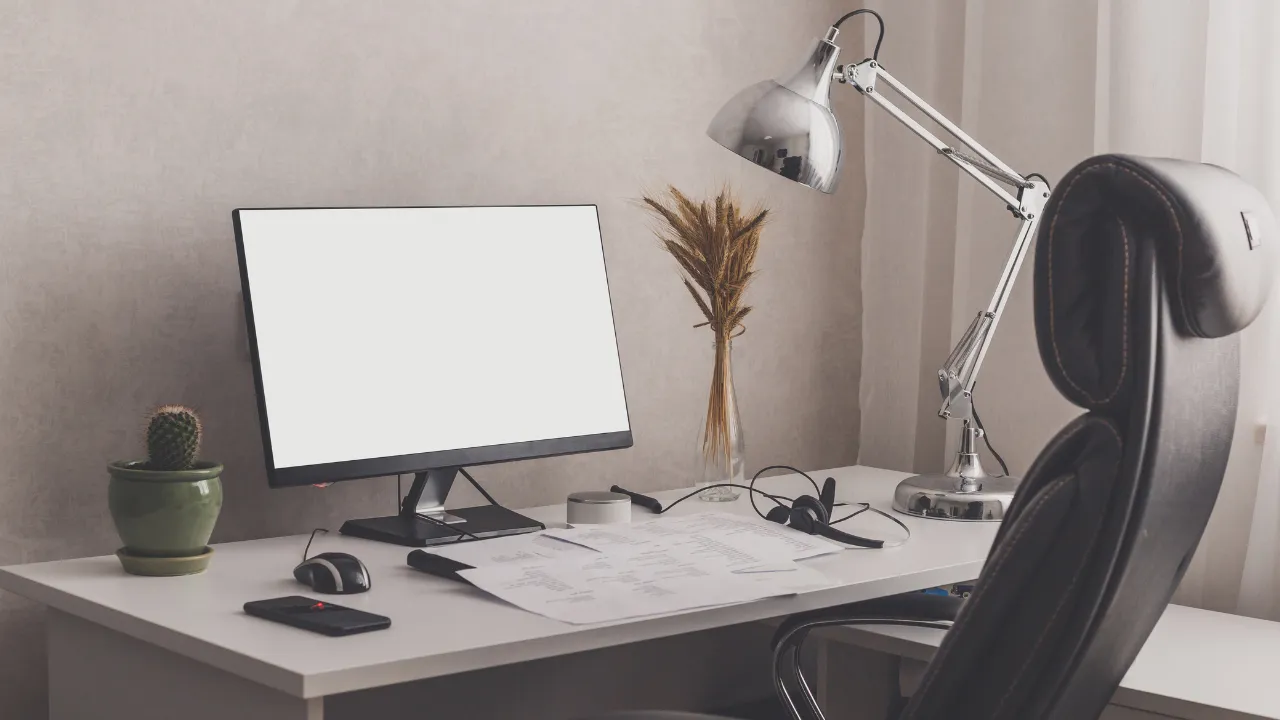
Invest in quality audio equipment, as clear communication trumps video quality every time. A good headset or external microphone can make the difference between being clearly understood and having your responses lost in audio distortion. Test your audio levels beforehand, speaking at your normal interview volume to ensure optimal settings. Many candidates overlook this step, only to discover during the interview that they're either too quiet or creating audio feedback.
Your camera setup requires equal attention to detail. Position your camera at eye level to create natural eye contact and avoid unflattering angles that can undermine your professional presence. Ensure your device is fully charged or plugged in, and close unnecessary applications that might slow down your computer or create distracting notifications during the conversation.
Creating the Ideal Interview Environment
Your physical environment communicates volumes about your professionalism and attention to detail. Choose a quiet, private space where you won't be interrupted by family members, pets, or unexpected deliveries. Inform everyone in your household about your interview schedule and put up a "Do Not Disturb" sign if necessary.
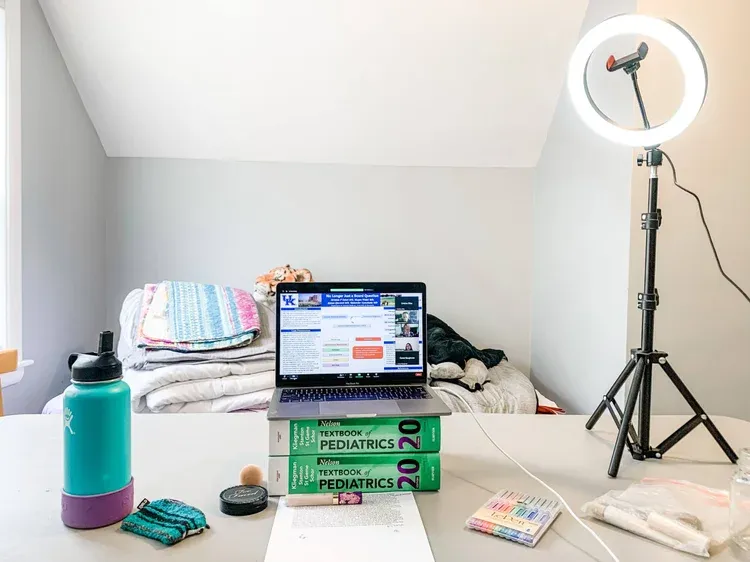
Lighting plays a crucial role in how you appear on camera. Natural light from a window facing you provides the most flattering illumination, but if that's not available, position a lamp or ring light behind your camera to ensure your face is well-lit and clearly visible. Avoid having bright light sources behind you, as they can create silhouettes and make it difficult for interviewers to see your expressions.
Your background should be clean, professional, and free from distractions. A simple wall, bookshelf, or organized workspace works best. If your space doesn't naturally provide a suitable background, virtual backgrounds can be effective, but test them thoroughly beforehand to ensure they work smoothly with your setup and don't create distracting glitches during movement.
Audio Management and Noise Control
Effective audio management extends beyond having good equipment. Create a sound-controlled environment by closing windows and doors to minimize external noise from traffic, construction, or neighbors. Turn off appliances like fans, air conditioners, or washing machines that might create background noise. Even seemingly quiet sounds can be amplified through your microphone and become distracting.
Most video conferencing platforms offer built-in noise suppression features that you should enable and test beforehand. However, don't rely solely on software solutions. Physical noise control remains your primary defense against audio distractions. Consider the acoustics of your chosen space — rooms with hard surfaces tend to create echo, while spaces with carpets, curtains, or soft furnishings naturally absorb sound.
Plan for unexpected noise by having strategies ready. If a sudden loud sound occurs during your interview, briefly acknowledge it professionally rather than pretending nothing happened. This demonstrates your ability to handle unexpected situations with grace and composure.
Professional Presentation and Appearance
Your on-screen appearance requires the same attention you'd give to an in-person interview, with some additional considerations for the camera. Dress professionally from head to toe, even if only your upper body will be visible — this mental preparation helps maintain a professional mindset throughout the interview.
Consider how colors and patterns appear on camera. Solid, muted colors typically work best, while busy patterns or very bright colors can be distracting or cause visual artifacts on screen. Ensure your clothing contrasts appropriately with your background to maintain clear visual separation.
Practice your on-screen presence by recording yourself or conducting mock interviews with friends or family members. Pay attention to your posture, hand gestures, and facial expressions. Remember that cameras can amplify movements, so slightly more animated expressions and gestures than you might use in person can help convey engagement and enthusiasm effectively.
Pre-Interview Testing and Contingency Planning
Comprehensive testing separates prepared candidates from those who leave success to chance. Schedule a test call with a friend or family member using the same platform and device you'll use for the actual interview. This allows you to identify and resolve potential issues with audio, video, or platform functionality.
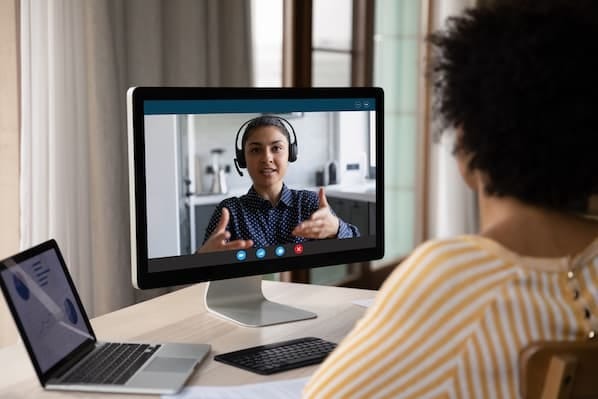
Prepare contingency plans for common technical failures. Have a backup internet connection available through your phone's hotspot feature, keep the interviewer's phone number handy in case you need to call if the video connection fails, and know how to quickly restart your application or device if necessary.
Create a pre-interview checklist that covers all technical, environmental, and personal preparation elements. This systematic approach ensures you don't overlook crucial details when interview nerves set in.
Final Preparation Steps
On interview day, log into the platform 10–15 minutes early to address any last-minute technical issues without keeping your interviewer waiting. Use this time for final audio and video checks, but avoid the temptation to make significant adjustments that might create new problems.
Remember that virtual interviews, despite their technical complexity, are fundamentally about human connection and communication. While technical preparation is essential, don't let the digital format overshadow the importance of researching the company, preparing thoughtful questions, and presenting your qualifications confidently. The goal is to create a seamless technical experience that allows your professional qualities and personality to shine through the screen, making geography irrelevant to your career opportunities.