Mobile-First Design: Why It Matters More Than Ever
Mobile-first approach in design ensures users on smaller screens have a seamless and intuitive experience. Mobile-first design means starting your design process with the smallest screen (mobile devices), and then progressively scaling up for larger ones like tablets and desktops


In a world where the average user checks their phone over 150 times a day and mobile devices contribute to more than 60% of global web traffic, designing for smaller screens isn’t just a trend or additional work anymore—it’s the default. Mobile isn’t just a companion to desktop anymore — it’s the primary screen for billions of users. This shift in users, developers and designers gave birth to new mindset that is mobile-first UI design.
Since mobile devices have become the primary way people access the Internet, the mobile-first approach in design ensures users on smaller screens have a seamless and intuitive experience. Mobile-first design means starting your design process with the smallest screen (mobile devices), and then progressively scaling up for larger ones like tablets and desktops, rather than starting with a desktop design and trying to adapt it to mobile devices.
Instead of rearranging elements or shrinking a desktop experience down, you prioritize essential features, content, and interactions for mobile — where attention spans are shorter, screens are smaller, and touch is the main input method.
Principles of Mobile-First UI Design
1.Prioritize core content
Due to the screen size of mobile, not all content can fit the screen of mobile devices. This forces us to carefully organize content to guide users and only serve content that are essential and to strip away any noise. Mobile users are often on the go, so every element on the screen should serve a clear purpose and support their goals. Instead of cramming features into a mobile design as an afterthought, mobile-first design principles require designer to highlight content of high value.
2.Responsive Layout
Ensure the website adapts to various screen sizes. This involves using flexible grids, layouts, and media queries to provide a consistent experience on all devices. Design grids, typography, and components that adapt fluidly to different screen sizes. By writing CSS for the smallest screens first, you ensure the base design is perfect for phones. As devices get larger, you add breakpoints to rearrange the layout.
3.Focus on Touch-Friendly Interfaces
On the desktop, users can use their mouse and keypad to go around the site. But mobile users don’t have that option, Users interact with their thumbs, not cursors, which changes how buttons, links, menus, and interactive components should behave. Users primarily navigate with their thumbs.
 Shreya Khatri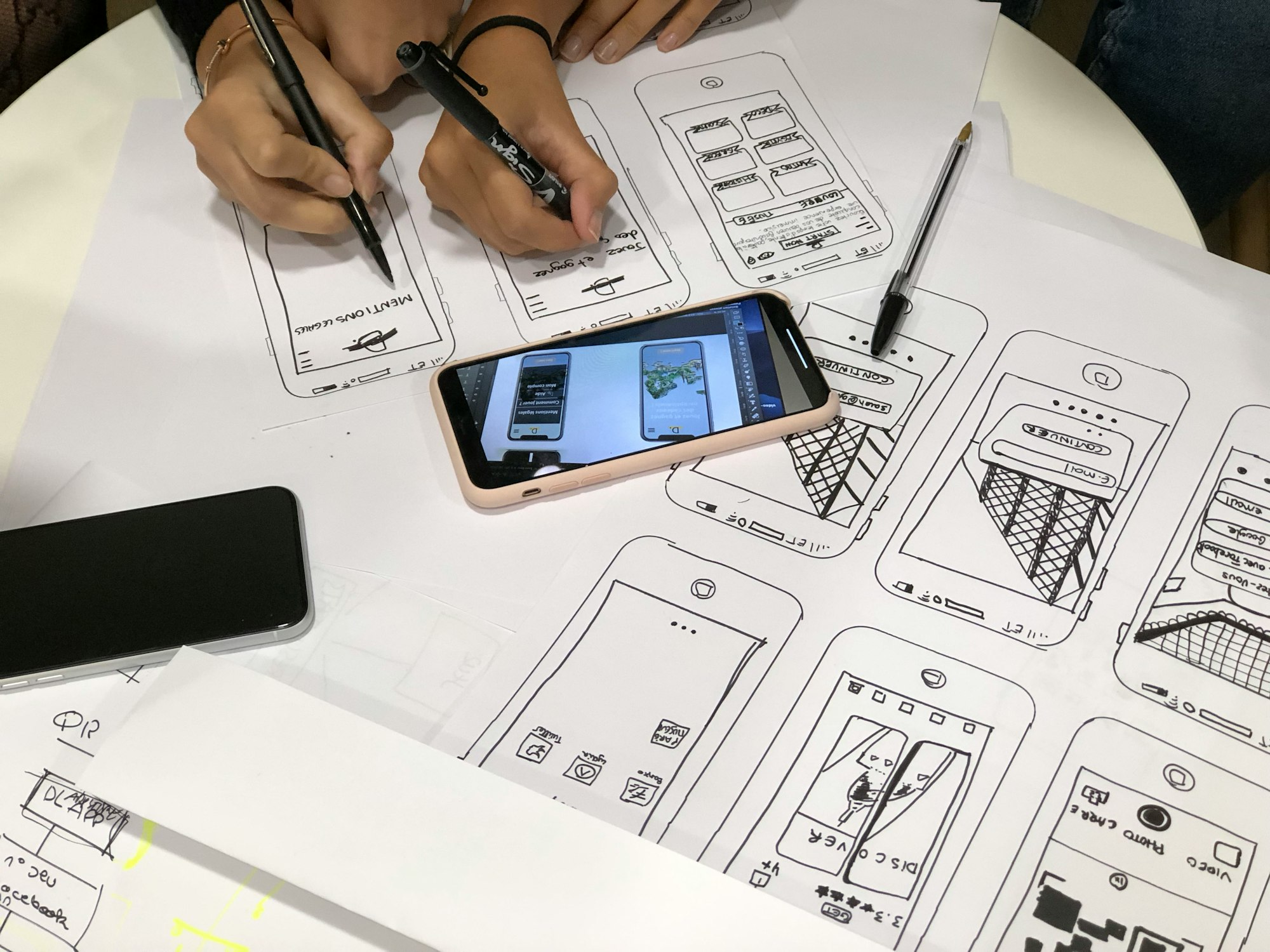
Users scroll vertically more than horizontally, rely on gestures like swiping, and expect screens to respond instantly to touch feedback. Whether it’s a hamburger menu, bottom tabs, or visible icons, your main tasks should be one tap away. Place key actions within the natural thumb zone for effortless interaction. Design interactive elements like buttons and links to be large enough for easy tapping. This improves usability on touchscreens.
4.Keep navigation simple
Since this is a smaller screen, users can’t navigate as easily as on a desktop. Add hamburger menus, direct links, or bottom navigation to help create intuitive and minimal navigation menus. Dropdowns or collapsible menus are effective for saving space while maintaining accessibility.
5.Optimize speed and performance
When the mobile version loads fast, the desktop version becomes even faster. Use smaller, optimized images and efficient code to reduce load times and smooth scrolling on slower mobile networks. Faster performance enhances the user experience on mobile networks. Always check your loading speed and in case of needed adjustments, consider removing some images or lowering their resolution. Designers and developers also embrace techniques like delivering critical content first, lightweight assets, compressed media, and optimized code.
6.Establish the Visual Hierarchy of Your Content
Since you have limited space on smaller screens, you need to make sure the most important elements are visible first. This helps users quickly find what they are looking for.
- Keep titles on top and article previews above the fold so readers can see and understand the content immediately
- Divide long copy into numerous one-sentence paragraphs
7. Apply Progressive Enhancement
Don’t overload users with options. Reveal complexity step by step. Start with a baseline experience, then add features for devices that can handle them. Think collapsible menus, contextual actions, and just-in-time guidance. Once the mobile design is solid, enhance it with additional features, interactions, and layouts for larger screens. Add hover effects, sidebar content, or more detailed visuals as space allows.
8.Design and test on real devices often
Test prototypes on devices that represent your audience to find layout issues, touch target problems, and errors that never show up in desktop previews. Watch how people hold the phone, which thumb zones they prefer, and where they hesitate uncovers interaction patterns that designers may overlook.
Making device testing a recurring activity. Validate your design on various real devices and browsers to ensure it looks and functions correctly across all screen sizes and conditions.
Here are some tools for mobile-first design:
- Figma: Its mobile-first templates help you start your designs with mobile screens in mind, ensuring a seamless transition from concept to execution.
- Adobe XD: It is a powerful tool that combines design, prototyping, and collaboration features
- Sketch: It offers a range of vector editing tools that make it easy to create detailed mobile-first designs.
- Bootstrap: It is a popular front-end framework that simplifies the development of responsive, mobile-first websites.
- Slack: It offers channels for different projects or topics, direct messaging, and integrations with other tools like Figma, Sketch, and Trello.
Increasing numbers of web users across the globe have shifted from desktop to mobile devices. Hence, Mobile-First concept is a crucial aspect of the design which prioritizes user experience on mobile devices.